Dude Chess.
Play eight friendly bots, solve the daily puzzle, review your games or invite a friend. Free, no sign-up.
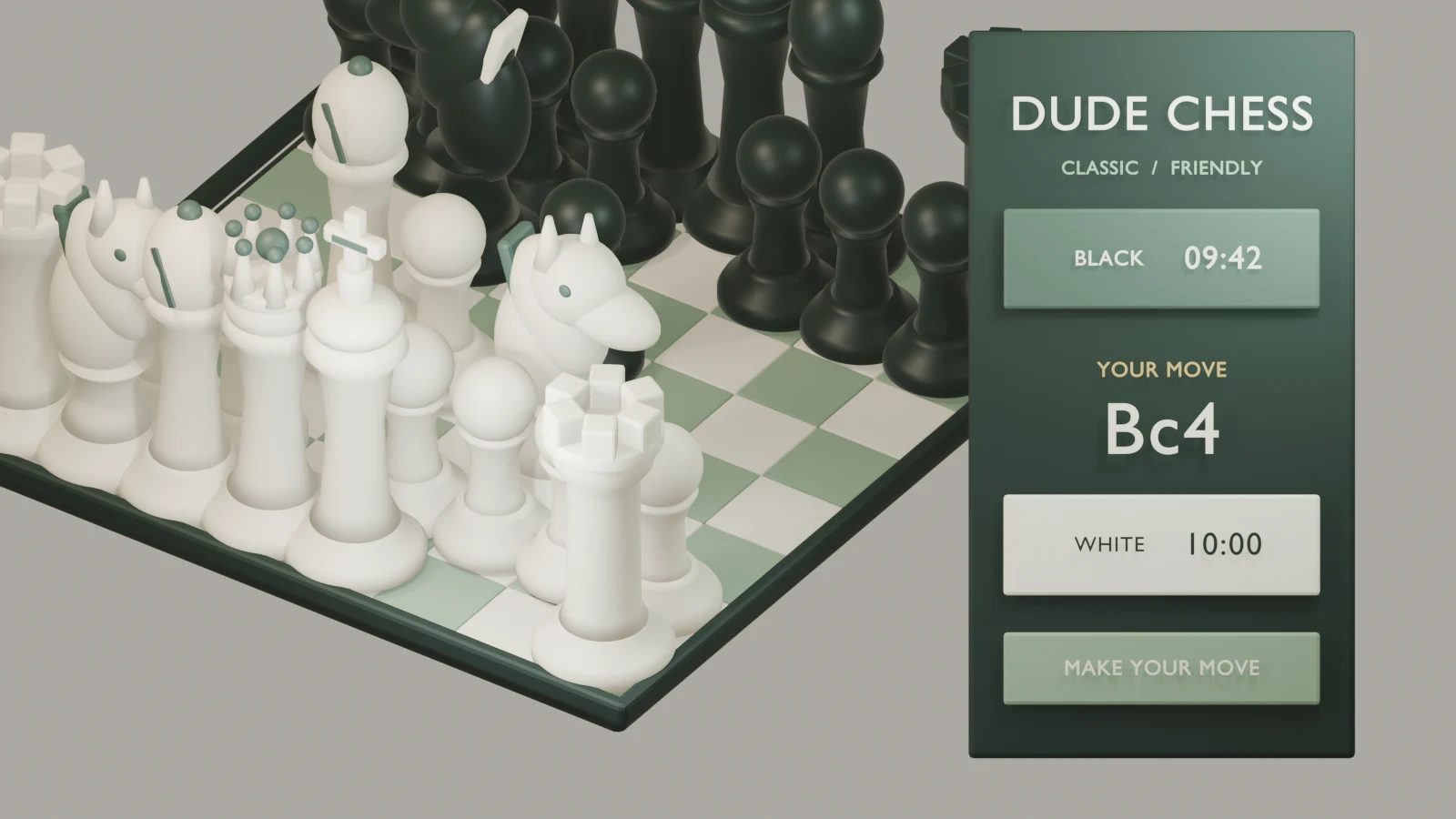
Something else to get into


How to play Dude Chess
- Press Play chess, then choose Computer, Two players, Online or Puzzles. Against the computer, pick one of the eight bots, your colour and a time control.
- Tap or click one of your pieces to see its legal squares, then choose one. You can also drag the piece, move around the board with the arrow keys and Enter, or type a move such as e4, Nf3 or O-O.
- When a pawn reaches the far rank, pick a queen, rook, bishop or knight. Castle by moving the king two squares toward the rook.
- Use Hint once to see which piece to move and again to see the move. Takeback undoes your last turn. While the computer thinks you can queue a premove.
- Checkmate the enemy king to win. The game also ends on stalemate, repetition, insufficient material, the fifty-move rule, time, resignation or an agreed draw.
- After the game, press Review game. Step through the moves, follow the green arrows to the stronger ideas and press Retry this move on your mistakes.
Make your move
On your computer
- Click a piece, then a highlighted square, or drag the piece. Right-click squares or drag with the right button to mark squares and draw arrows.
- Keyboard: arrow keys move around the board, Enter selects; F flips the board, H asks for a hint, U takes back, Left and Right step through the moves.
- Type moves in the Type a move box, for example Nf3, exd5, O-O or e7e8q.
- The settings button changes the board, pieces, sound, animation speed, premoves and auto-queen. Fullscreen gives the board the whole screen.
On your phone or tablet
- Tap a piece and then a highlighted square, or drag it; the dragged piece lifts above your finger so you can see where it lands.
- Hint, Takeback, Flip and the move arrows sit right under the board; move history and match tools are below them.
- Turn the phone sideways for a larger board beside the controls, or use the fullscreen button, which also works on iPhone.
About Dude Chess
Dude Chess is a complete chess club in a browser tab. You can play the computer at eight levels, share one screen with a friend, send a friend a guest room link, or train with puzzles, and none of it needs an account or a download. The board is built for fingers and for mice: tap a piece and then a highlighted square, drag it with a lifted preview, or type your move in ordinary notation. It fits a phone held upright, turns into a side-by-side layout when the phone lies on its side, and has a fullscreen view on desktop, Android and iPhone.
The computer opponents run on an engine written for this game. It searches in a background worker, so the board, clocks and animations stay smooth even while it thinks, and every move it chooses is checked against the full rules by chess.js before it reaches the board. The eight bots share that engine but behave differently. Pip and Nell look only a move or two ahead and make human-looking slips; Bram loves long diagonals; Rocco trades pieces when he is ahead; Quinn values attacks on your king above her own safety; Sage plays calm, positional chess; Ottoline calculates long forcing lines; and The Dude uses the full search with no deliberate mistakes. The stronger bots also vary their openings, so repeat games feel different. Levels are informal names for relative strength, not official ratings.
Help is there when you want it and out of the way when you do not. A hint first lights up the piece to move and, if you ask again, draws the whole move. Takeback returns to your last turn. Premoves let you queue your next move while the bot or an online opponent is still thinking. After the game, Review game analyses every position on your device, marks inaccuracies, mistakes and blunders, gives both players an accuracy score and lets you retry the key moments. The analysis board studies any position you paste as a PGN or FEN, with a live evaluation bar and the engine’s best line.
Puzzles come from the free Lichess open database, released into the public domain, and were chosen for popularity and difficulty from beginner to expert. The daily puzzle is the same for everyone on a given date and builds a streak. The puzzle trail picks positions near your puzzle rating, which rises when you solve cleanly and falls after a miss, and you can focus on a theme such as mate in two, forks, pins and skewers, sacrifices or endgames. Any checkmating move counts as a solution, just as it would over the board.
The full rules are included: castling, en passant, all four promotions, check, checkmate, stalemate, threefold repetition, insufficient material and the fifty-move rule. Choose untimed play or a clock from one minute to thirty, including 3 + 2, 10 + 5 and 15 + 10 increments. Six board themes include a high-contrast option, and three original piece sets rendered in Blender include a bold graphic set for small screens. Screen readers hear every move, and the whole board works from the keyboard.
Eight opponents with personality
Pip is brand new and delighted about it, Rocco trades down and grinds endgames, Quinn attacks your king, and The Dude plays at full strength. Each one chats a little as the game goes, and your record against every bot is saved on this device.
A coach after every game
Review any finished game on your own device: every move is labelled from best to blunder, both sides get an accuracy score, a graph shows who was winning, and a green arrow shows the stronger move. Retry the moment you slipped until you find it.
Puzzles every day
A new daily puzzle for everyone, a rated puzzle trail with themes such as forks, pins and mates, and Puzzle Dash, a three-minute race with three strikes. Fourteen hundred positions from the free Lichess puzzle database.
A little help for your next move
- Start with Pip or Nell and move up one level after you win. Your wins, draws and best review accuracy against each bot are saved on this device.
- Before every move, look at what your opponent just attacked. Most blunders in the game review are pieces left undefended one move earlier.
- Develop knights and bishops toward the centre and castle early. Several bots punish a king left in the middle.
- In puzzles, try checks, captures and threats first. Clean solves raise your puzzle rating; a hint keeps it steady for that puzzle.
- Use Retry this move in the review. Finding the better move yourself sticks far better than reading it.
- Playing a friend on one phone? Switch on the setting that turns the board toward the player to move each turn.
Good questions
Can I play chess against the computer for free?
Yes. There are eight computer opponents, from Pip at level 1 for complete beginners to The Dude at full strength. Everything is free and runs in your browser without an account.
Does Dude Chess have hints, takebacks and game review?
Yes. A hint shows the piece to move, then the move itself. Takeback undoes your last turn. After each game, Review game labels every move, shows both accuracy scores and lets you retry your mistakes.
Is there a daily chess puzzle?
Yes. Everyone gets the same daily puzzle on a given date, and solving it on consecutive days builds a streak. There is also a rated puzzle trail with themes and a three-minute Puzzle Dash.
Where do the puzzles come from?
They are selected from the Lichess open puzzle database, which is released under the CC0 public domain dedication. Each puzzle links to its original page.
Can two people play without an account?
Yes. Share one device in Two players mode, or create a guest online room and send the invite link to a friend when the room service is available. Guest names are simple labels, not accounts.
Which time controls are available?
Untimed, 1, 3, 5, 10 and 30 minutes, plus 3 + 2, 10 + 5 and 15 + 10 with a few seconds added after every move. Online rooms offer untimed, 3, 5, 10 and 15 + 10.
Can I play on my phone or with a keyboard only?
Yes. The board fits phones in portrait and landscape, including iPhone and Android, with a fullscreen view. On a computer you can play entirely from the keyboard or by typing moves, and screen readers announce every move.